Loading screens · UI Changes
Loading screens
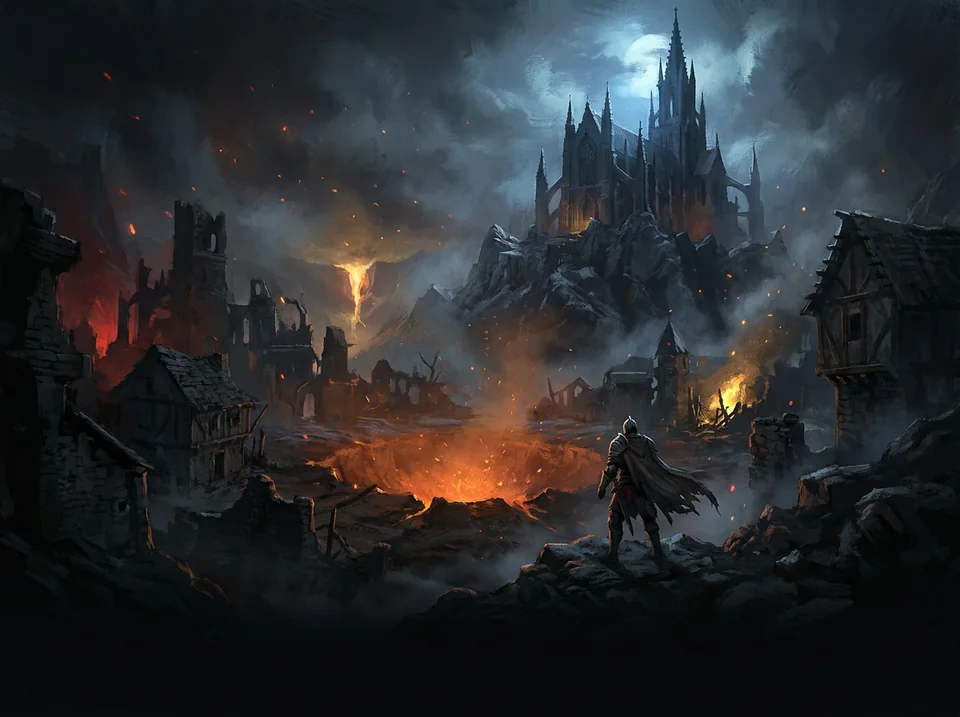
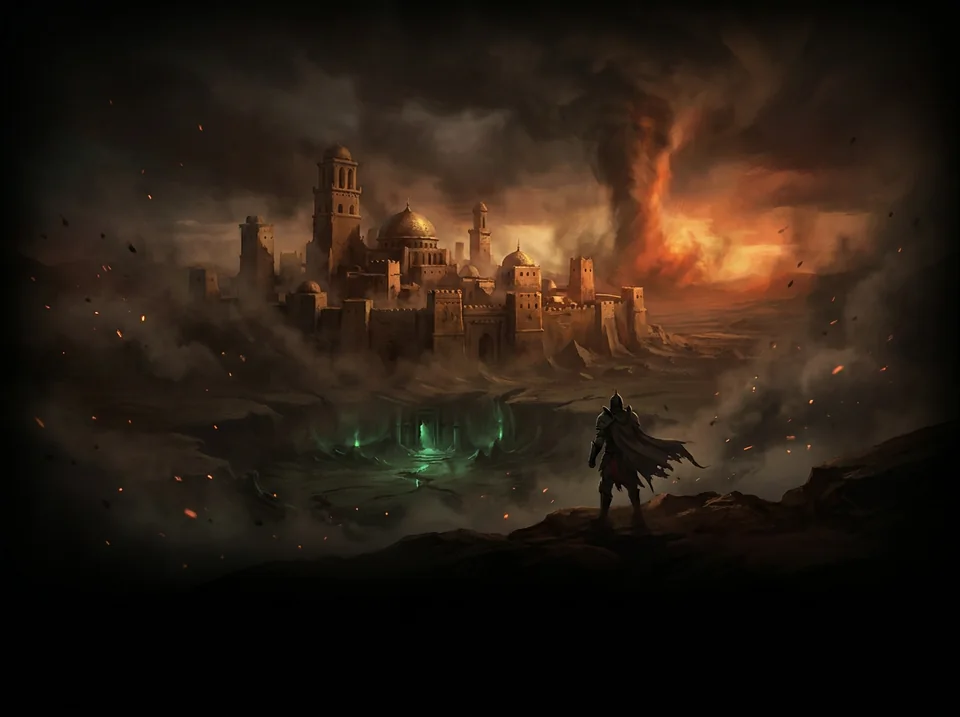
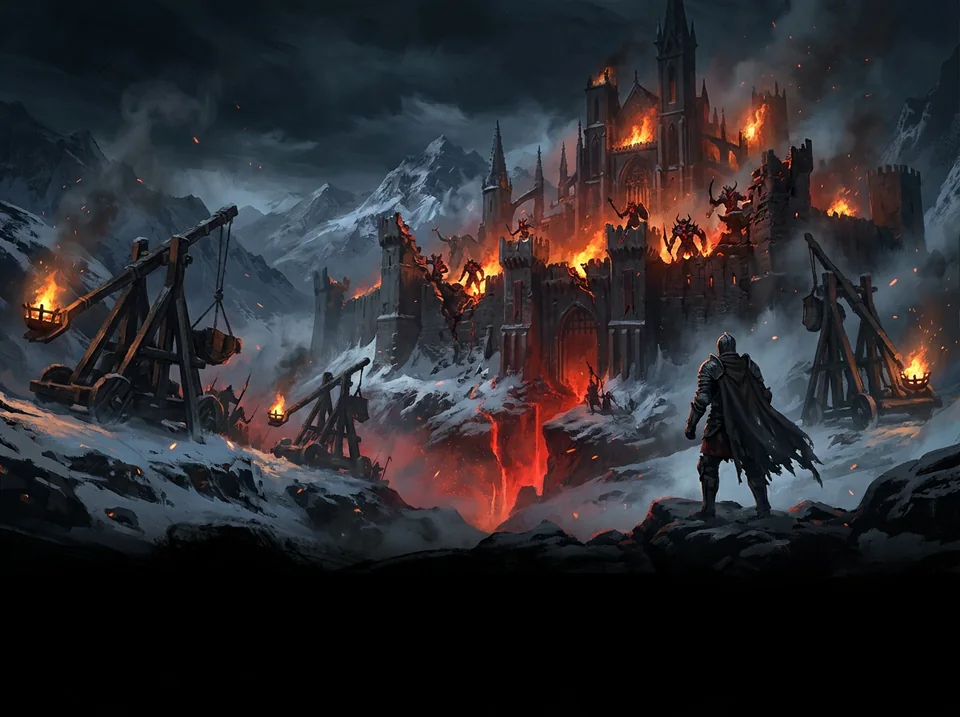
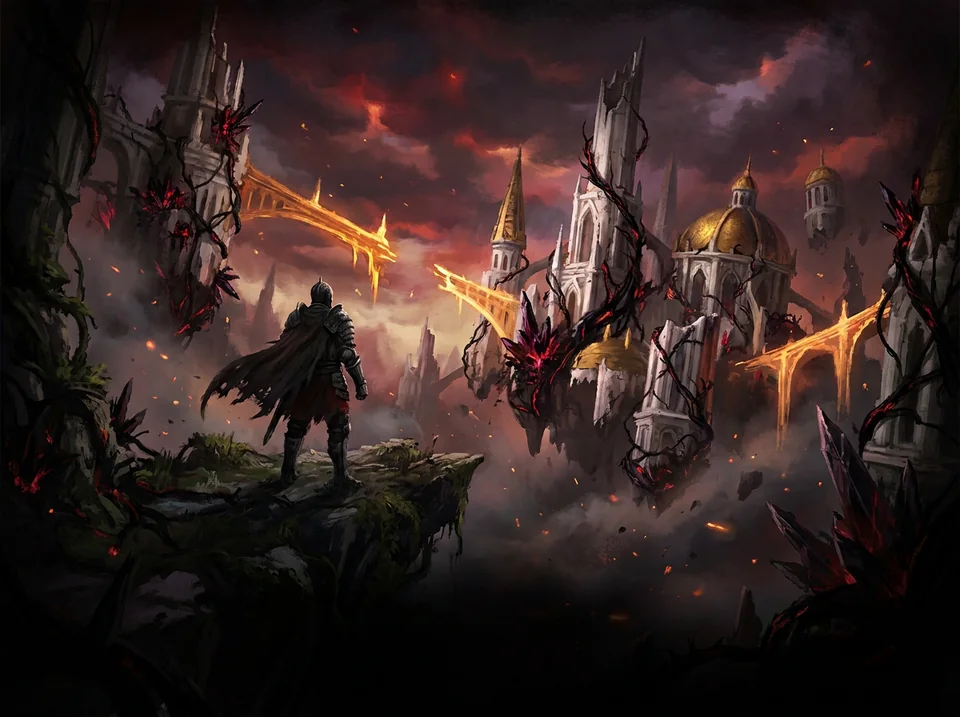
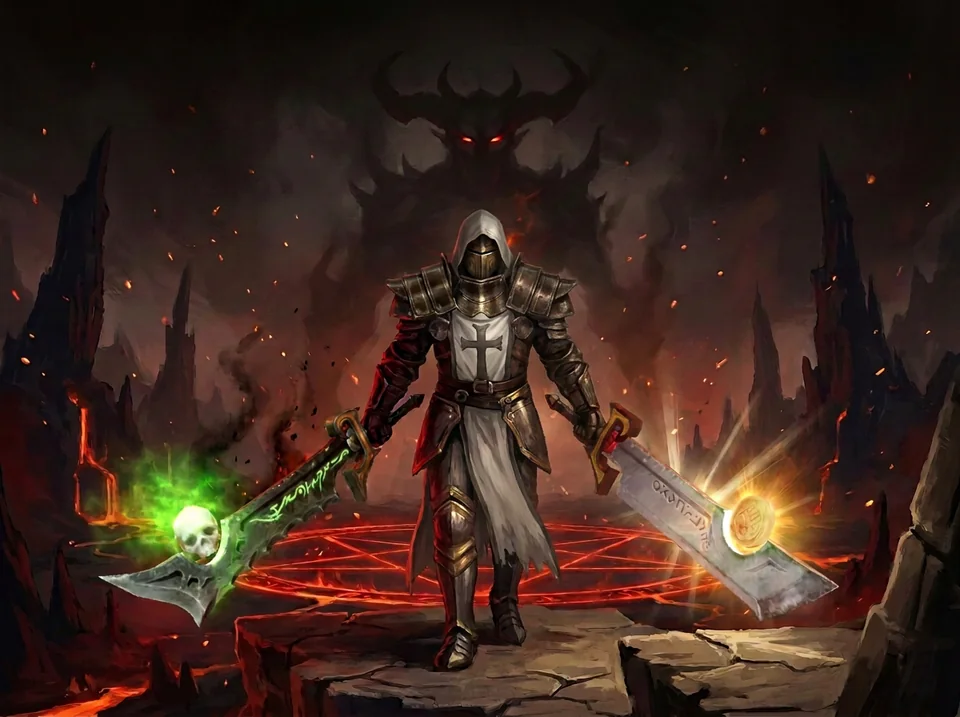
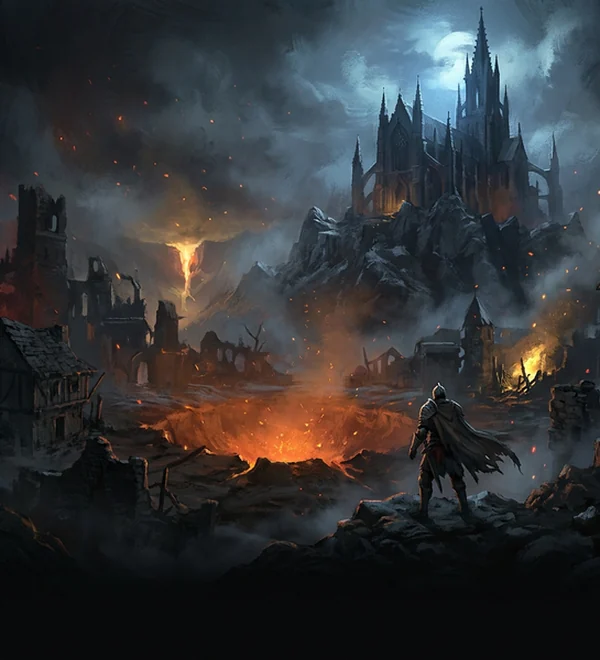
New painted loading screens for Acts I to V: the cursed cathedral and the fallen star, the desert city in the sandstorm, the fortress under siege in the snow, the corrupted heavens, and the Crusader before the Lord of Terror. Each carries the EliteLevelD3 logo and fills wide screens to the edges.
Act V's picture is also the one you see on the first load into a game.
How to get it
- In the launcher open Mods > Browse.
- Tick EliteLevel Loading Screens.
- Press Play: the next loading screen is the new one.
- EliteLevel Loading ScreensThe five act loading screens with the EliteLevelD3 logo.
- InstallYour pick: Mods > Browse
- Size14.0 MB